Contact Us

SinglePoint Transaction Reporting: 60-Field Commercial Activity Reports

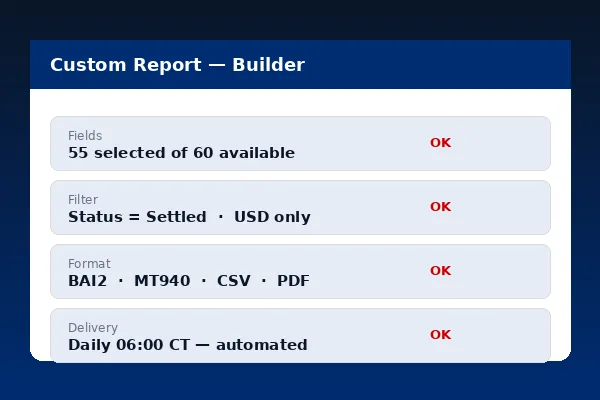
SinglePoint Transaction Reporting is the workhorse report every controller, treasurer and payment operations lead runs daily. More than 60 filterable fields per record, saved views, scheduled delivery, and native export to BAI2, SWIFT MT940, SWIFT MT942, CSV and PDF — all inside the same authenticated SinglePoint session.

This page walks through the full field catalogue, the saved-view workflow, scheduling cadences and the export paths that feed QuickBooks, SAP, Oracle NetSuite, Microsoft Dynamics 365, Sage Intacct and Workday Financials. The Federal Reserve payment systems context makes field-level accuracy non-negotiable for commercial reporting.

Build a Custom Report Export Formats
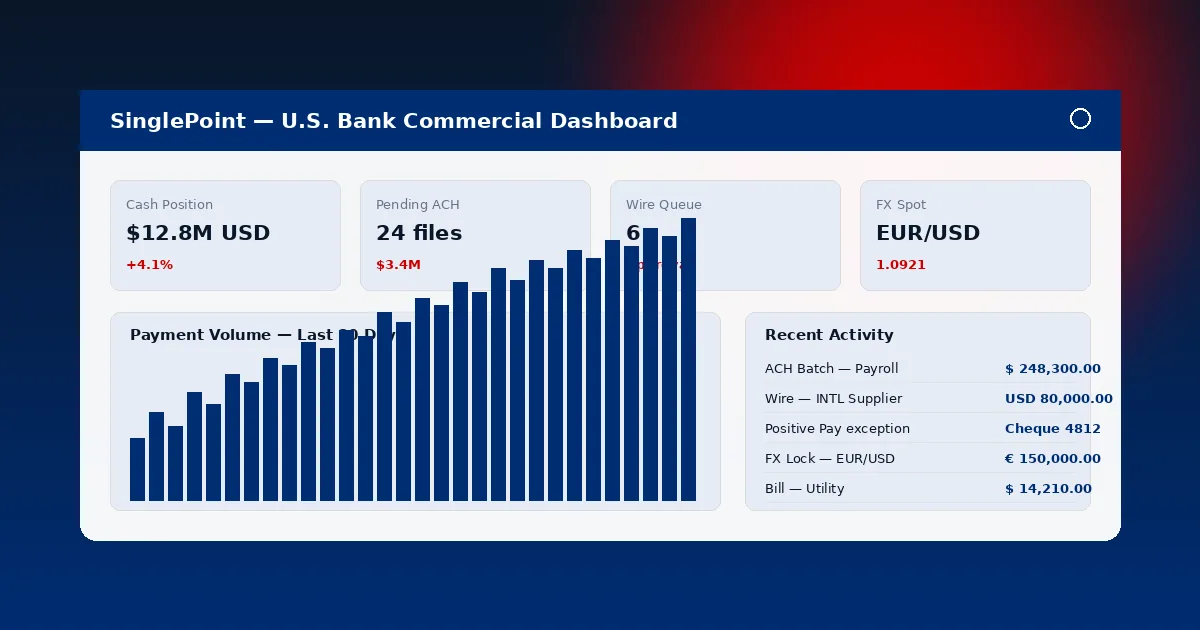
SinglePoint Transaction Reporting interface showing 60 filterable fields with saved views and scheduled delivery options

Field Catalogue Inside SinglePoint Transaction Reporting

The 60+ filterable fields in SinglePoint Transaction Reporting group into seven families. Every field can be combined as a filter, sort key, group key or column.

Transaction Identity

Transaction type, sub-type, BAI Type Code, SWIFT message type (MT103, MT202, MT202COV, MT900, MT910), channel (web, mobile, API, file), originator ID and reference number. This family anchors every SinglePoint Transaction Reporting query.

Monetary

Amount in transaction currency, amount in USD equivalent, currency code, FX rate applied, spread versus mid-market, fee amount, fee type and net settlement. SinglePoint Transaction Reporting stores both gross and net for multi-currency reconciliation.

Counterparty

Beneficiary name, beneficiary bank SWIFT BIC, beneficiary account, intermediary bank, originator name, originator bank, ordering institution and purpose code. Counterparty fields in SinglePoint Transaction Reporting power AP, AR and OFAC reconciliation.

Dates & Times

Initiation timestamp (UTC), posting date, value date, settlement date, effective date (for ACH), and cut-off window. SinglePoint Transaction Reporting exposes every date stamp for accurate intraday and prior-day positioning.

Workflow

Initiator user ID, approver user IDs (up to three levels of dual-control), release timestamp, status (pending, approved, released, rejected, returned), rejection reason and audit note. SinglePoint Transaction Reporting ties every transaction to the chain of human decisions.

GL & Reconciliation

GL code, cost centre, project code, entity, department, custom tags and invoice reference. SinglePoint Transaction Reporting carries GL mapping into the BAI2 and CSV export for direct ERP posting.

Standard Reports Inside SinglePoint Transaction Reporting

Six pre-built SinglePoint Transaction Reporting views cover the most common commercial workflows. Every pre-built view is fully editable and save-able.

ReportFieldsFormat OptionsSchedule
Daily activity24 default fields, 60+ availableBAI2, CSV, PDFDaily 6:00am CT
Wire register32 fields incl. BIC and MT typeCSV, PDF, MT940Daily or real-time
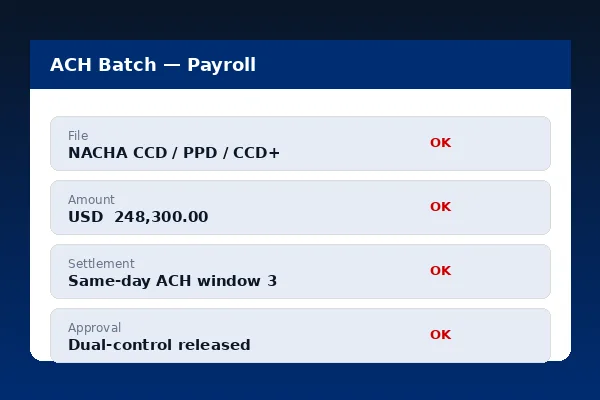
ACH origination log28 fields incl. SEC codeNACHA, CSV, PDFDaily post-release
FX trade blotter22 fields incl. rate and spreadCSV, PDFDaily 5:00pm CT
Positive pay exceptions18 fieldsCSV, PDFIntraday every 60 min
User audit trail15 fieldsCSV, PDFWeekly Monday 7am CT

Saved Views, Scheduling and Distribution

SinglePoint Transaction Reporting lets you persist any filter combination, schedule automated delivery and distribute results to multiple recipients with role-based controls.

Saved Views

A SinglePoint Transaction Reporting saved view captures filter set, column layout, sort order and grouping. Saved views are either private (visible only to the creator) or shared (visible to the entire Company ID). Company Administrators can lock saved views so no downstream user can alter the definition, a control that aligns with SOX segregation-of-duties.

SinglePoint Transaction Reporting saved view configuration with filter set and column layout
SinglePoint Transaction Reporting scheduled delivery configuration with SFTP recipients and PGP encryption

Scheduled Delivery

SinglePoint Transaction Reporting supports daily, intraday, weekly and monthly schedules. Delivery channels include in-portal download, email (PDF only), secure SFTP (all formats with optional PGP) and direct ERP connector (BAI2 to Kyriba, ION and SAP TRM). The audit trail records every scheduled run and every recipient delivery.

Reporting Dimensions

A compressed reference for the SinglePoint Transaction Reporting dimensions treasury and finance teams use most often.

SinglePoint Transaction Reporting Dimensions

  • 60+ filterable fields across transaction identity, monetary, counterparty, dates, workflow, GL and free text.
  • Saved views (private and shared) with optional Company Administrator lock for SOX control.
  • Scheduled delivery daily, intraday (hourly), weekly or monthly with SFTP and PGP.
  • Export in BAI2 Version 2, SWIFT MT940, SWIFT MT942, CSV with custom mapping and PDF.
  • 7-year audit trail on every query, export, schedule change and recipient change.

Transaction Reporting FAQ

How many fields does SinglePoint Transaction Reporting expose?
60+ filterable fields covering transaction identity, monetary, counterparty, dates, workflow, GL and free text.
Can I save a view and schedule it?
Yes. Every view can be saved (private or shared) and scheduled for daily, intraday, weekly or monthly delivery over SFTP, email or ERP connector.
Which export formats does SinglePoint Transaction Reporting support?
BAI2 Version 2, SWIFT MT940, SWIFT MT942, CSV with custom mapping and PDF. See Data Export.
How far back can I run a query?
90 days online, up to 7 years via scheduled archival queries.
Does SinglePoint Transaction Reporting maintain an audit trail?
Yes. Every query, export, schedule change and recipient change is captured for 7 years, in line with OCC recordkeeping. See OCC guidance.

Commercial Banking Portal — Topic Cluster