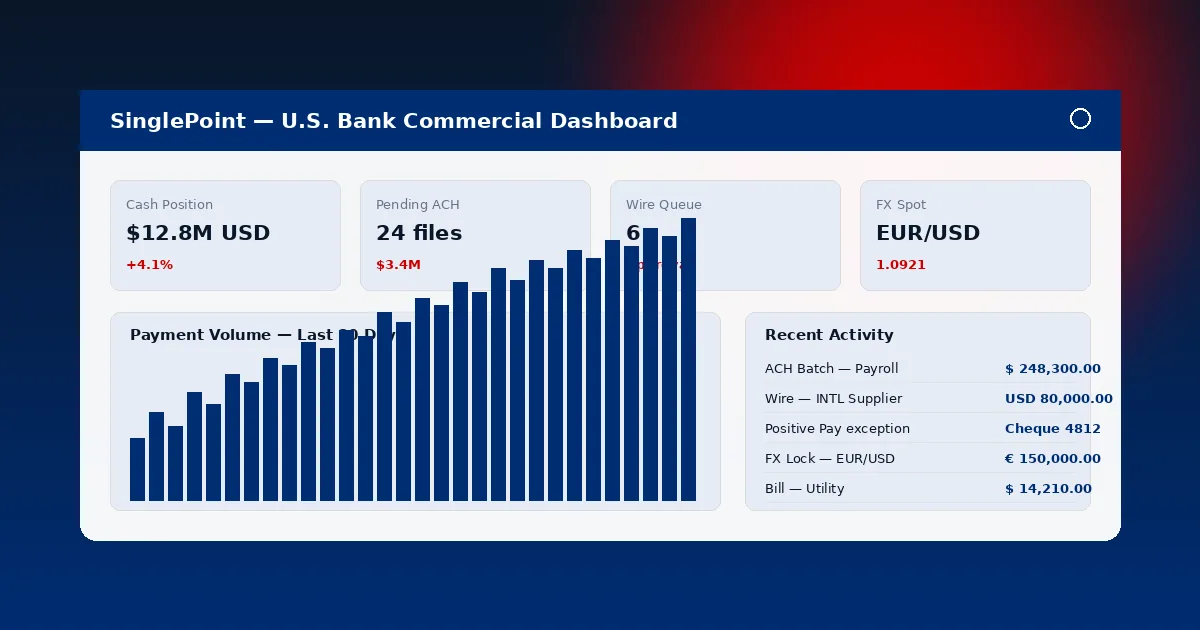
Contact Us

SinglePoint Custom Reports: Drag-and-Drop Report Builder for U.S. Bank Commercial Clients

SinglePoint Custom Reports move beyond the 60-field standard set. Drag-and-drop builder, calculated fields, conditional formatting, GL mapping and direct connectors to SAP S/4HANA, Oracle NetSuite, Microsoft Dynamics 365, Sage Intacct, QuickBooks Online and Workday Financials. Build it once, schedule it forever.

No SQL. No scripting. No help desk ticket to IT. A commercial treasurer builds a multi-entity cash-position pivot inside SinglePoint Custom Reports in the same time it takes to write the specification for an external BI team — typically under 20 minutes.

Standard Reports Export Formats
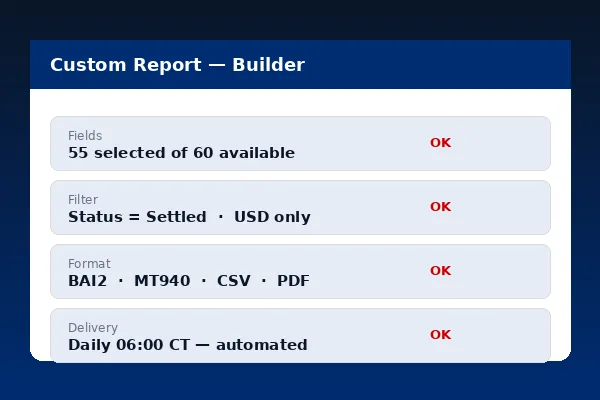
SinglePoint Custom Reports drag-and-drop builder with calculated fields, conditional formatting and GL mapping on navy interface

Builder Capabilities Inside SinglePoint Custom Reports

Six capability blocks make SinglePoint Custom Reports the successor to most spreadsheet-based monthly close routines.

Drag-and-Drop Field Picker

Every transaction, balance and user-activity field is a drag-target. Drop into columns, filters, rows, groups or values. SinglePoint Custom Reports auto-infer aggregation (sum for amount, count for reference) and let you override.

Calculated Fields

Arithmetic (gross minus fee), date arithmetic (days between initiation and settlement), string concatenation (originator plus reference), if-then conditional and text transforms. SinglePoint Custom Reports evaluate calculated fields server-side at export time.

Conditional Formatting

Highlight rows above a threshold, flag stale workflow items, colour-code by currency or counterparty. SinglePoint Custom Reports carry conditional formatting into PDF and CSV (as a supplementary column) exports.

Pivot & Grouping

Multi-level grouping (entity then cost centre then currency), subtotals, grand totals and pivot layouts (counterparty across, month down). SinglePoint Custom Reports handle pivot tables natively — no Excel post-processing.

GL Mapping

Configure rules by BAI Type Code, counterparty, amount range or custom tag that assign your internal GL code and cost centre on every export row. SinglePoint Custom Reports version-control mapping rules with 7-year audit.

Distribution Lists

Named distribution lists with recipient-level permissions (view-only, download, modify). SinglePoint Custom Reports deliver via SFTP with PGP, email PDF or direct ERP connector and audit every delivery.

Five Use Cases for SinglePoint Custom Reports

Common commercial workflows and how SinglePoint Custom Reports typically satisfy them.

Use CaseFieldsOutputRefresh Cadence
Month-end cash position by entityEntity, account, currency, ledger, available, GL codeBAI2 + CSV pivotMonthly close + daily during close
AP vendor payment historyBeneficiary, amount, invoice ref, date, status, approverCSV to QuickBooks / NetSuiteDaily 7:00am CT
FX hedging exposure reportCurrency, notional, rate, spread, value date, counterpartyCSV to SAP TRMIntraday hourly
Wire volume by business unitCost centre, amount, count, user, channelPDF executive summaryWeekly Monday 8:00am CT
Dormant-account audit trailAccount, last activity, balance, user access logCSV to audit vaultQuarterly

ERP Integration Paths

SinglePoint Custom Reports connect to major ERPs through native connectors, certified file formats or SFTP drop folders.

Certified Connectors

SinglePoint Custom Reports include native connectors for SAP S/4HANA (via BAI2 and IDoc), Oracle NetSuite (via SuiteTalk), Microsoft Dynamics 365 Finance (via OData), Sage Intacct (via CSV import schema), QuickBooks Online (via native banking feed) and Workday Financials (via Workday Bank Connect). Each connector is tested against the ERP's current-release parser.
SinglePoint Custom Reports ERP integration panel with SAP, Oracle, Dynamics, Sage, QuickBooks and Workday connectors
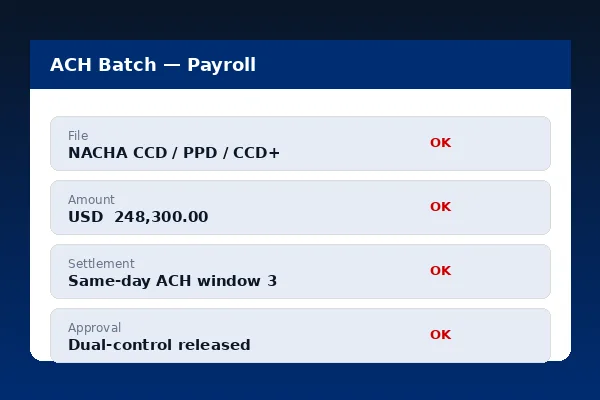
SinglePoint Custom Reports scheduled distribution configuration with multiple recipients and PGP encryption

Scheduled Distribution

Every SinglePoint Custom Report can be scheduled. Distribution lists name recipients, specify delivery channel and record confirmation. Per Federal Reserve payments guidance, audit evidence requires a verified delivery timestamp — SinglePoint Custom Reports capture both send and receipt confirmation.

Feature Brief

SinglePoint Custom Reports at a glance.

SinglePoint Custom Reports Feature Brief

  • Drag-and-drop builder with no SQL required.
  • Calculated fields, conditional formatting and pivot layouts.
  • GL mapping rules with 7-year audit and Company Administrator lock.
  • Native connectors for SAP, Oracle NetSuite, Microsoft Dynamics 365, Sage Intacct, QuickBooks Online and Workday Financials.
  • Scheduled distribution lists with SFTP, PGP, email and in-portal delivery.

Custom Reports FAQ

What can I build with SinglePoint Custom Reports?
Any report expressible as transaction, balance or user-activity fields with calculated fields, conditional formatting and pivot layouts.
Which ERPs integrate with SinglePoint Custom Reports?
SAP S/4HANA, Oracle NetSuite, Microsoft Dynamics 365, Sage Intacct, QuickBooks Online and Workday Financials via certified connectors.
Can SinglePoint Custom Reports map to our internal GL codes?
Yes. Rule-based mapping by BAI Type Code, counterparty, amount range or tag. Version-controlled and audit-logged for 7 years.
How are SinglePoint Custom Reports distributed?
Distribution lists with SFTP (with PGP), email (PDF), in-portal download and ERP connector. See Data Export.
Can I share a template?
Yes. Templates can be shared company-wide or to specific role groups and optionally locked for SOX segregation. See User Management.

Commercial Banking Portal — Topic Cluster